Microsoft 365 Copilot training for organizations

Hands-on Microsoft Copilot workshops for teams

Most teams use Copilot to rewrite emails. Caravan teaches them to hand it real work in Outlook, Excel, and Word, save how they want it done, and build agents their coworkers can use.

Onsite or live virtualBeginner through advancedDesigned around the Copilot features your administrator approves
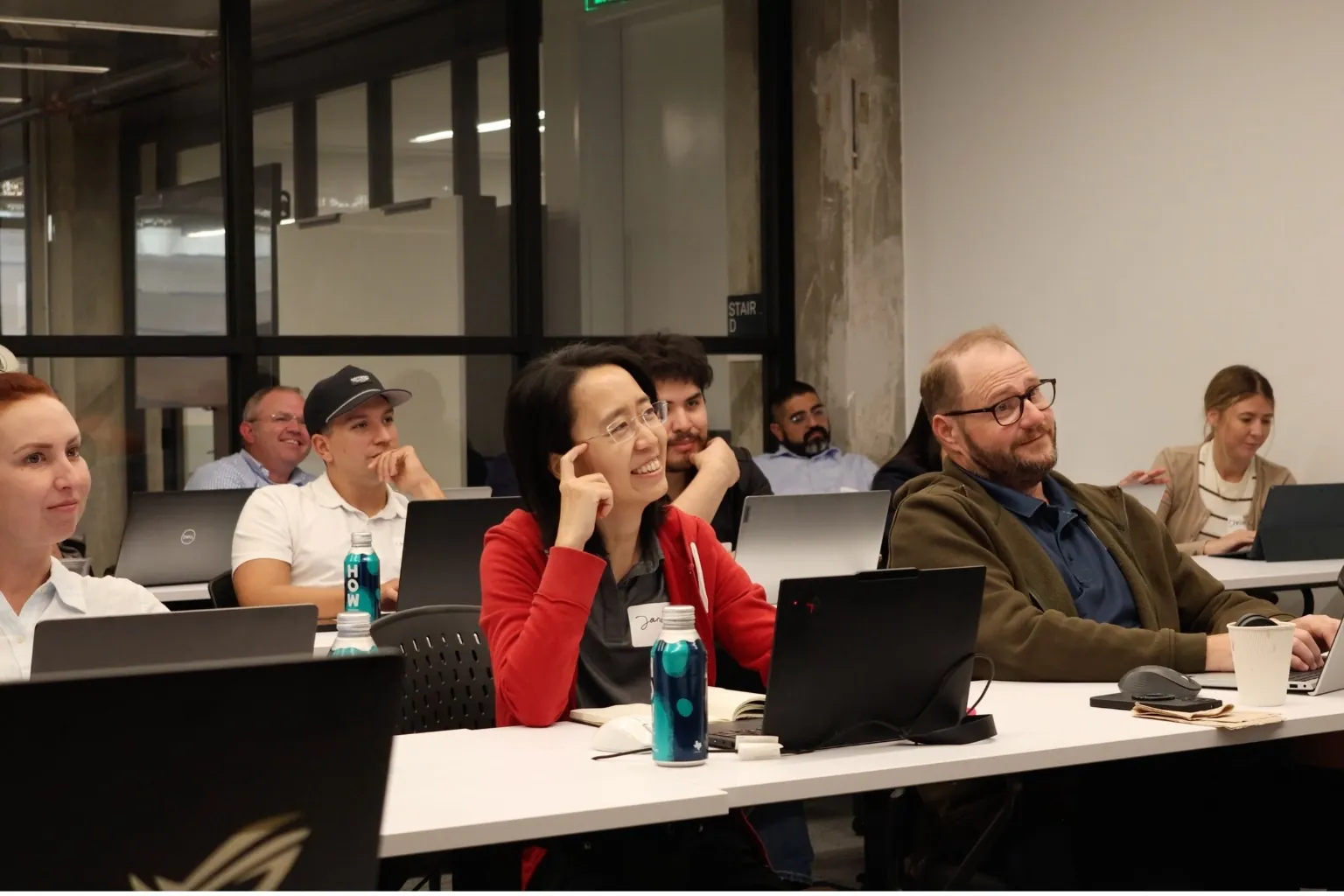
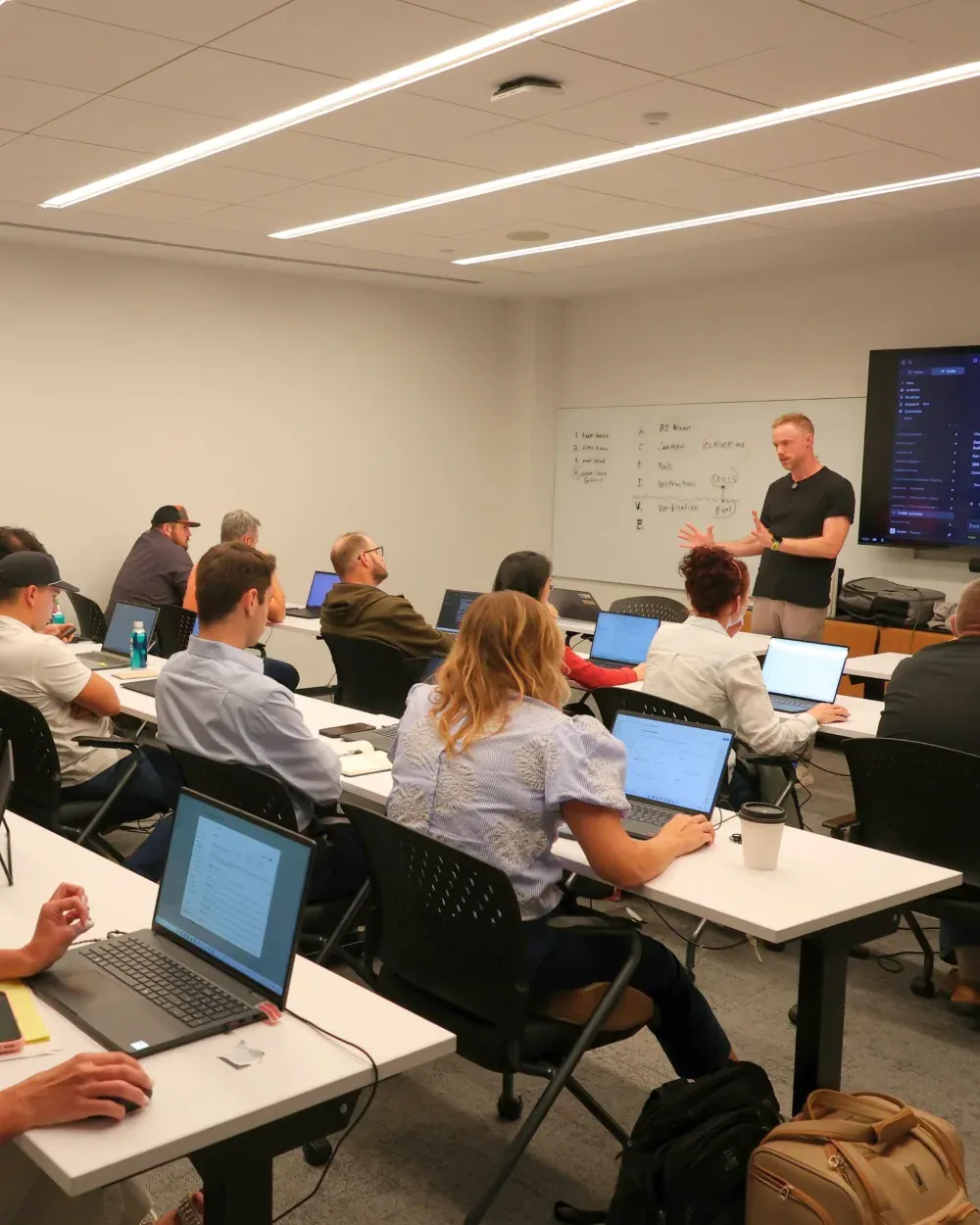
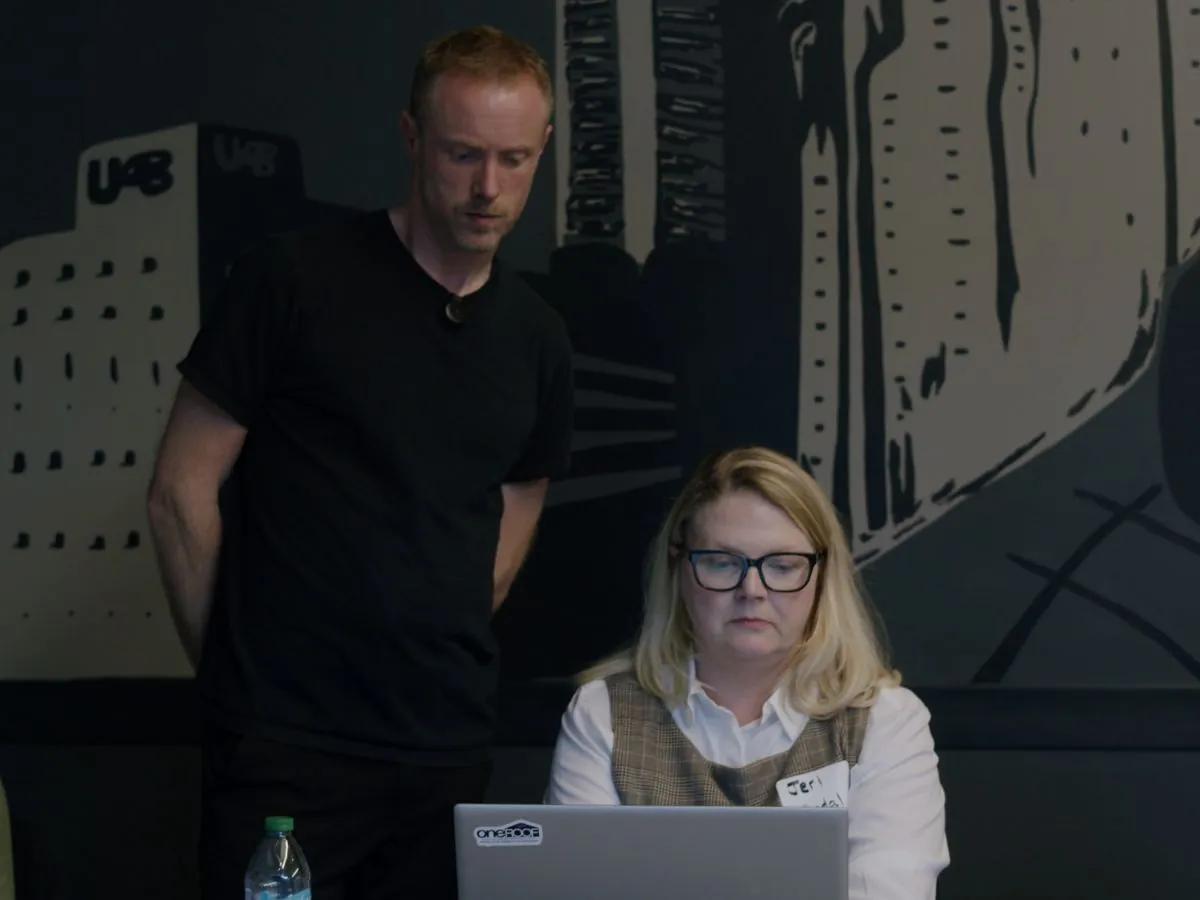
Participants working on their laptops during a Caravan workshop
What employees learn

What will our team learn to do with Copilot?

Move past rewriting emails and learn to delegate work. These are the six things people ask us for most before a workshop, and each one is part of the day.

Automate repetitive work

Build agents in Agent Builder and recurring tasks in Copilot Cowork, so the work you repeat every week runs without anyone starting it.

Know what AI can do for your job

See which parts of your own work Copilot can take on, and which parts should stay with you.

Get it right the first time

Give Copilot complete assignments so you stop going back and forth and re-explaining.

Connect AI to your tools and data

Work from Outlook, Teams, SharePoint, and Excel instead of copying and pasting into a chat.

Verify the AI’s work

Check accuracy before anyone relies on the result, and build checks that catch mistakes automatically.

Reduce AI slop

Teach Copilot your standards, voice, and examples so the work sounds like your company.

Workshops & Training

Our Copilot workshops

Up to 20 per hands-on sessionNew and daily users in the same roomOwn laptops, own work

Getting More from Copilot Workshop

For teams leaving most of Copilot unused. Participants learn to give Copilot complete assignments, save the instructions that work, and hand off a recurring job from their own work.

Ask about this workshop →

Workshops for Leaders and Managers

Get tribal knowledge into Copilot. Leaders write down how the organization’s important work gets done, so Copilot and the people they manage can follow it. They also decide which teams train next and what the rules should be.

Ask about a leadership workshop →

Role-Specific Workshops

Tailored to your department and industry. One team, one kind of work. The examples and exercises come from that department’s own recurring tasks and the language of its industry.

Ask about a role-specific workshop →

Company-Wide Workshops

One big session or several smaller ones. Most large companies choose a series of smaller hands-on groups, so teams like customer service and logistics stay staffed while their people train. For a conference or retreat, one larger session gets everyone started at once.

Ask about a company-wide workshop →
1 of 4
Workshop formats

Most Requested Workshop Formats

How will your team attend?

Half day

Good for beginner sessions. A focused half day at your office for people getting started.

  • Hands-on, on each person’s own work
  • Up to 20 people

Good for beginner sessions. A focused half day on video for people getting started.

  • Hands-on, on each person’s own work
  • Larger groups than in person
Ask about this format
Most popular

Full day

Great for building agents and building and sharing automations. Everyone builds at their own laptop with instructors in the room.

  • Hands-on, on each person’s own work
  • Up to 20 people
  • Each person builds and shares an automation

Great for building agents and building and sharing automations. The full workshop on video, for teams that want to finish in one day.

  • Hands-on, on each person’s own work
  • Larger groups than in person
  • Each person builds and shares an automation
Ask about this format
Most popular

Two half-days

Same as the full day, with time between sessions to try things at work.

  • Hands-on, on each person’s own work
  • Up to 20 people
  • Time between sessions to try it at work

Same as the full day, split across two days on video. Shorter sessions keep people fresh, with time between to try things.

  • Hands-on, on each person’s own work
  • Larger groups than in person
  • Time between sessions to try it at work
Ask about this format

90–120 minutes

Good for one or two concepts. For a conference, retreat, or team meeting.

  • One or two concepts, shown live
  • An exercise everyone can follow

Good for one or two concepts. For an all-hands or large group on video.

  • One or two concepts, shown live
  • An exercise everyone can follow
Ask about this format
Workshop logistics

What do we need to have ready before the workshop?

Before the workshop0 of 4 done

Confirm each participant’s Copilot license and the desktop app

Each participant needs a Microsoft 365 Copilot license and the Copilot app installed before the workshop. Caravan confirms which license your organization has during preparation.

Ask your Microsoft 365 administrator which Copilot features are turned on

Copilot Cowork, agents, and connections to other systems are controlled by your tenant administrator. Caravan sends a short checklist so those decisions are made before training day, not during it.

Keep working files in OneDrive or SharePoint

Copilot reads and saves files in OneDrive and SharePoint. Participants should bring real files stored there, or non-sensitive examples if live data is not appropriate.

Name one coordinator and tell Caravan what employees need to accomplish

One person coordinates participants, scheduling, and technical questions. Caravan may send a short questionnaire about each person’s role, experience, and goals.

Caravan handles the rest.
Training on Copilot

How should we train our team on Copilot?

1

Decide which Copilot features and information the first group may use

Work with your Microsoft 365 administrator to decide whether Copilot Cowork, agents, and connections to other systems are available, and what information participants may use with Copilot.

2

Train the leaders and employees most likely to use Copilot

Start with people who know how the organization operates and who will use Copilot often. During training, note which tasks help, which features people request, and where they struggle.

3

Review the agents and skills people built, and decide which to share

Some agents built in training will be useful to a whole team. Decide who reviews them, where shared agents live, and which groups should train next.

4

Train additional employees in groups that do similar work

Expand training by role, department, or type of work rather than giving every employee the same program. Finance, sales, operations, and other groups use Copilot on different files and need different examples.

5

Support completed projects and update the rules as Copilot changes

Microsoft adds and changes Copilot features often. Follow-up training and regular reviews help the organization use new features and keep its rules current.

Consulting services

What consulting does Caravan offer beyond training?

Before training

AI Readiness Assessment

Caravan interviews your people, reviews how work gets done, and recommends where Copilot fits, which tools and settings to approve, what the rules should be, and who to train first.

Ask about an assessment →
After the workshop

AI Automation & Agent Builds

Caravan builds skills, agents, and automations alongside the employees who will own them. Copilot is set up with your industry’s context and how your company does the work, and your team learns how to run and change what was built.

Ask about a build →
Every month

Managed AI Configuration

Caravan works alongside your team each month to keep Copilot set up as your people, work, and tools change: the industry context it knows, the skills it runs, and the systems it connects to. Your team stays able to run it.

Ask about managed configuration →
Comparison

Why do organizations choose live Copilot training?

Question Self-teaching or internal training Self-paced or recorded content Live training with Caravan
What is each approach best suited for? Early exploration, employees who already use Copilot often, and coworkers learning from one another. Teaching basic features, providing reference material, and allowing people to learn on different schedules. Helping a group move past drafting emails and build skills and agents coworkers can use.
How relevant is it to each person’s job? Can relate directly to an employee’s job when that person has enough time and judgment to adapt what they find. Results often vary. Usually follows one broad curriculum and examples chosen in advance. Prepared around the people attending, their recurring work, and the Copilot features your administrator has turned on.
What happens when someone is stuck? The person keeps searching, experimenting, or asks an available coworker. The participant can replay the material, but the course cannot diagnose that person’s problem. Instructors are present while people work and can address confusion and weak results.
What work falls on the people leading adoption? Someone must learn, design, teach, coordinate approvals, answer questions, and keep material current. The organization still encourages completion, answers company-specific questions, and shows employees how the material applies to their work. Leaders provide goals and information rules; Caravan prepares and teaches the workshop.
What is the principal limitation? Progress can be slow, uneven, and dependent on a few employees with limited time. People may finish the content without gaining confidence or changing their work. Requires scheduling, preparation, and a larger investment than independent or recorded learning.
Why Caravan

Why use Caravan instead of learning Copilot alone?

Participants learn from practitioners who can teach

Caravan’s research team tests new AI tools and practices. Instructors must also explain unfamiliar ideas clearly, teach people with different levels of experience, and help participants when a result is not good enough.

Caravan is not paid to recommend one AI platform

Caravan does not receive incentives for recommending one AI platform over another. If your organization has standardized on Microsoft 365 Copilot, the training teaches your employees to use Copilot well.

Caravan has taught people across many kinds of work

Caravan has trained more than 1,000 people across dozens of industries, including legal, healthcare, manufacturing, financial services, accounting, marketing, and nonprofit organizations.

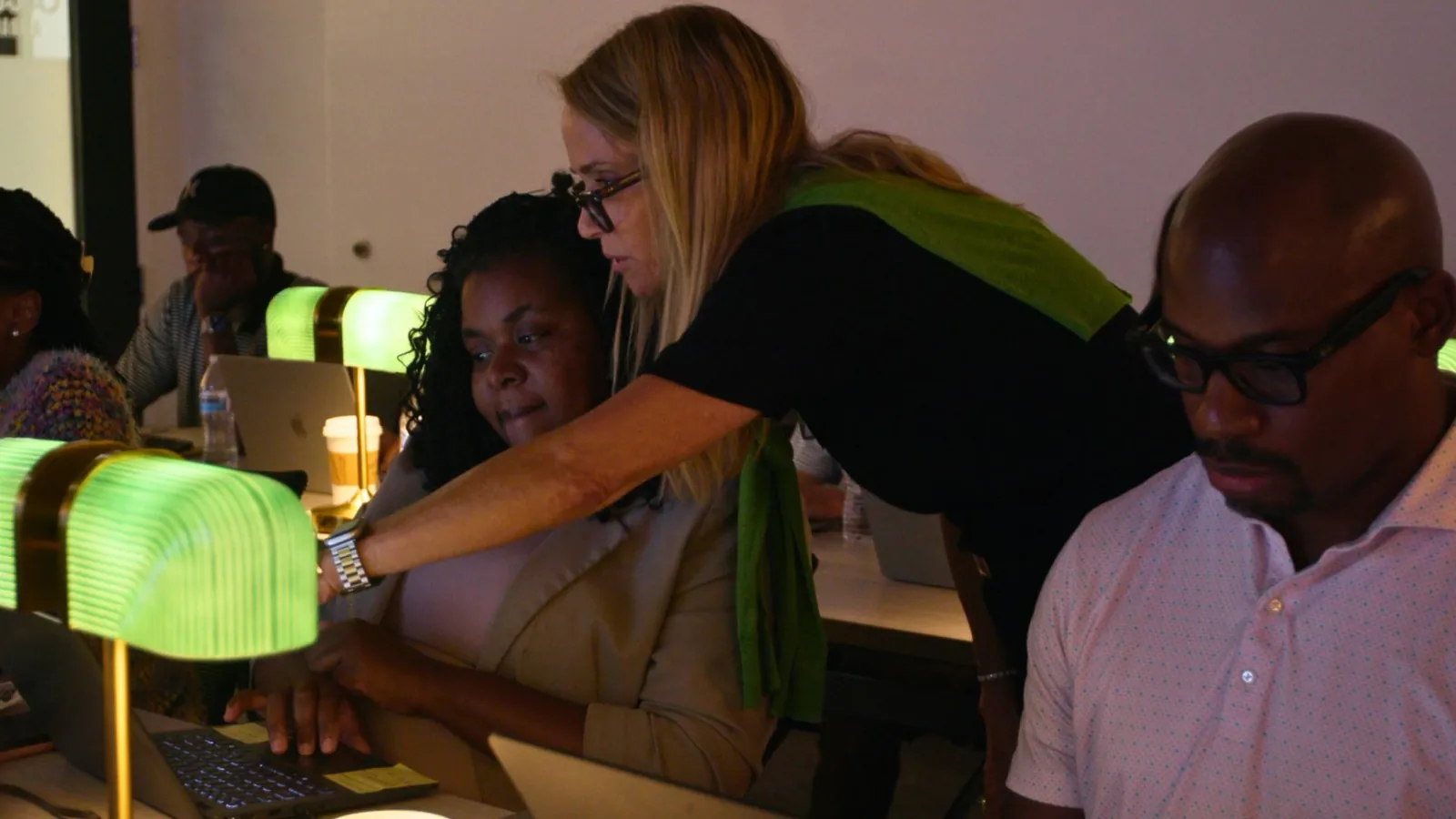
A Caravan guide helping participants at their laptops
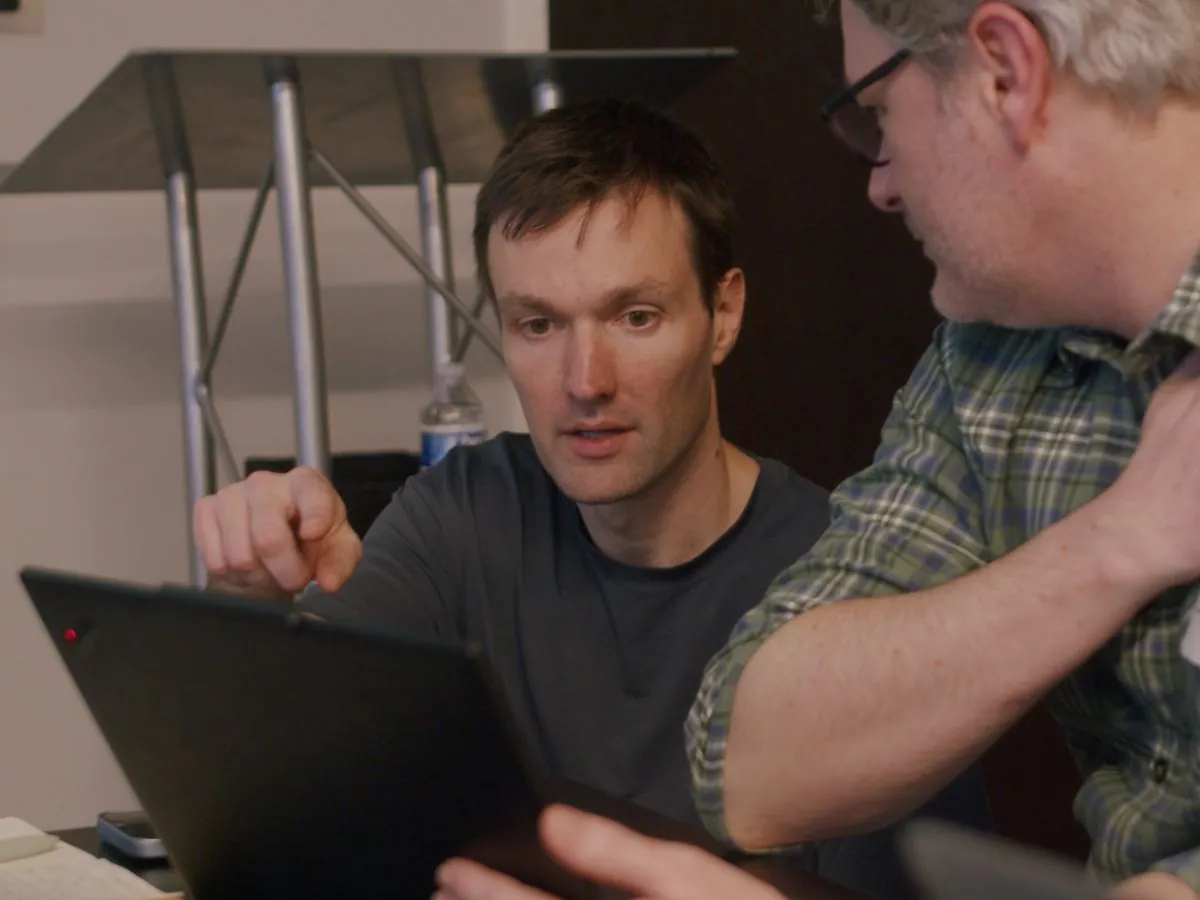
A Caravan instructor helping a participant at a laptop
A Caravan instructor working through a problem with a participant
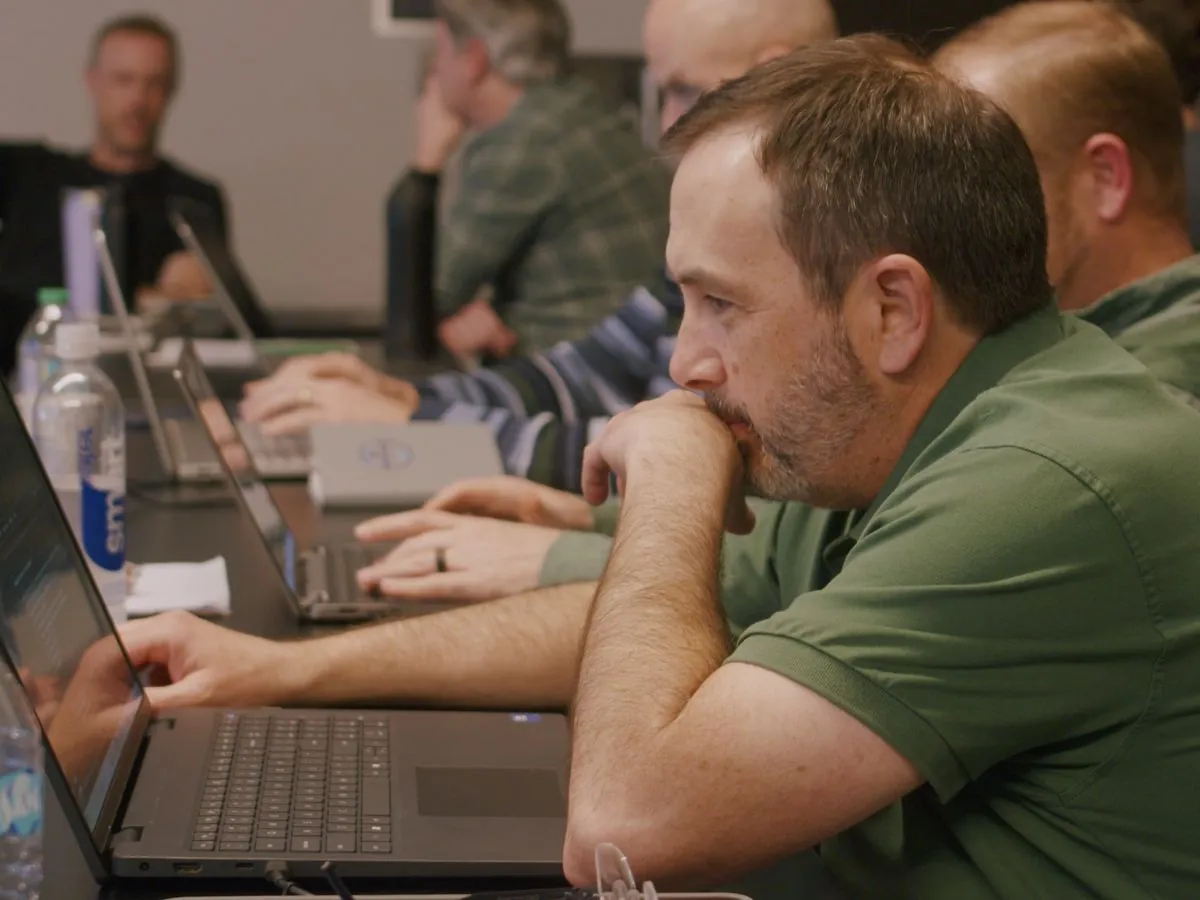
Caravan instructors teaching.
Caravan case studies

What has happened after teams trained with Caravan?

Case study

OHD

Industrial safety manufacturer

“The Caravan team understood our business needs, tailored the training to our audience…”

Hunter Strickler, Chief Operating Officer, OHD
Read the OHD case study →
Case study

Culton Companies

Custom fabrication

“Working with Caravan… changed what’s possible for a company our size.”

Robert Donovan, President, Culton Companies
Read the Culton Companies case study →
Testimonials

What participants say

“Taking the Caravan AI training this month has very rapidly escalated my competence and confidence with AI tools.”
Jake WaitzmanParticipant
“It was an 8-hour class, but to be honest, it felt like it flew by in about fifteen minutes.”
Lee HandleyParticipant
“Took the training. Blew my mind. I had no idea how far things had progressed…”
Morgan ColeParticipant
FAQs

Questions we hear before booking

Participants need a Microsoft 365 Copilot license to use Copilot inside Outlook, Word, Excel, and PowerPoint and to build agents. Some features, such as Copilot Cowork, are turned on separately by your administrator. Caravan confirms what your organization has before the workshop and plans around it.

No. Most rooms include people who have never used Copilot beyond drafting an email and people who use it every day. New users get more instruction on the basics, and experienced users work on more complex assignments in the same workshop.

An agent is a set of instructions for one job, saved in Copilot so anyone it is shared with can use it. For example, an agent can turn rough meeting notes into a follow-up email written the way your team writes them. Participants build agents in Agent Builder during the workshop.

Some Copilot Cowork and agent activity is metered on top of the base license, depending on your agreement with Microsoft. Caravan reviews this with your administrator during preparation and shows participants how to do inexpensive steps in Copilot Chat.

That is common. Caravan plans the workshop around the features your administrator has approved and can share a checklist of settings to review beforehand.

Copilot can use your Microsoft 365 email, calendar, and files. Other systems, such as an ERP or CRM, are available only through connections your administrator approves. Caravan can help you decide which connections to request.

That depends on your Copilot settings and data policy. Caravan and the client agree on the rules before training. When live sensitive data is not appropriate, participants can use non-sensitive, redacted, or representative material.

In person, hands-on sessions are normally limited to 20 participants so instructors can provide individual help. Live virtual sessions can take larger groups. Larger audiences can be divided across several sessions, and Caravan may add instructors where appropriate.

Pricing depends on whether training is onsite or virtual, how long it lasts, how much preparation and travel are required, how many sessions are needed, and whether the organization wants continued support. Caravan provides a written proposal after learning what the organization needs.

The first conversation determines who needs training, whether the required licenses and settings are ready, and which format would work. If training is not the right next step, Caravan should say so before either side invests in a larger process.

Request more information

Tell us about your team and how you’re using Copilot. We reply within one business day.

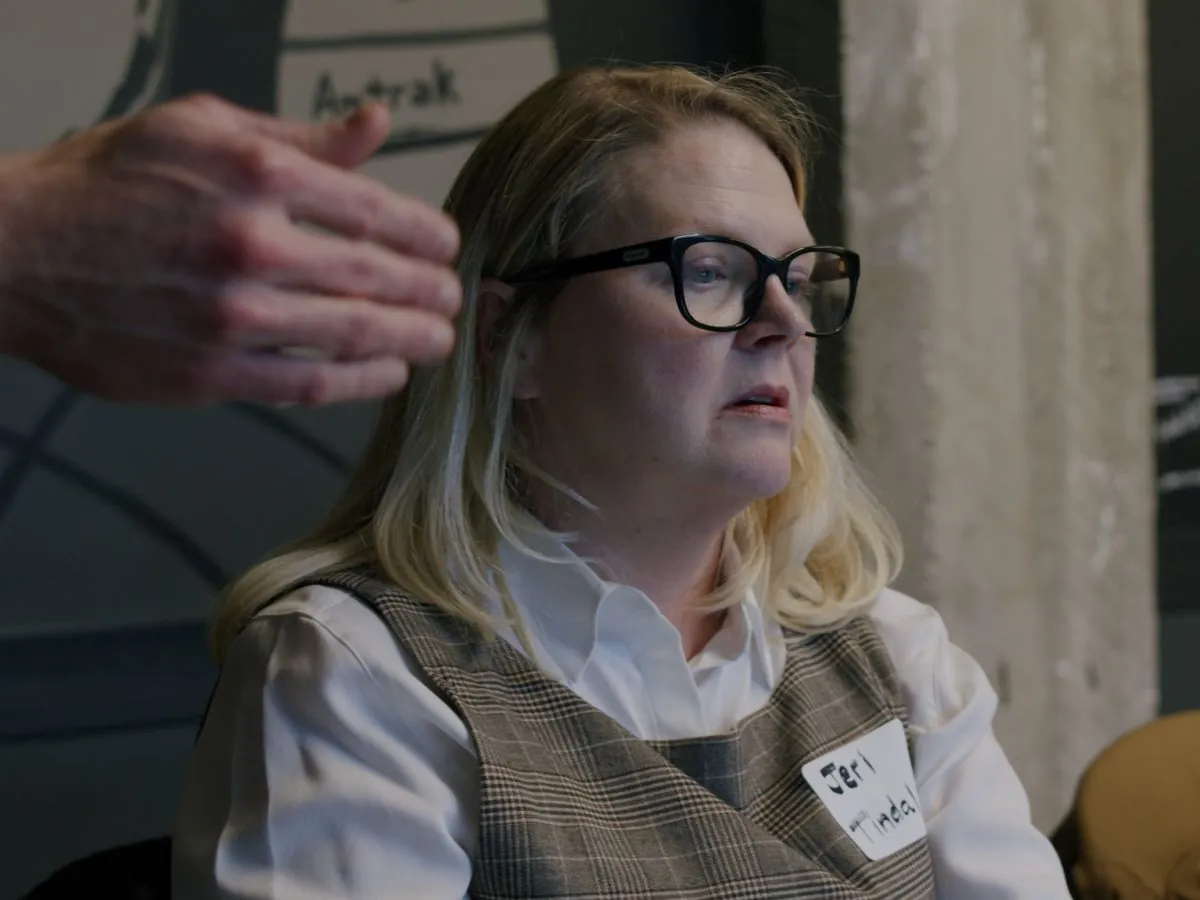
A participant listening during a Caravan workshop